
Sound and video for restaurants and cafés
Tailor-made solutions for your customers' experience, from a relaxed atmosphere to lively evenings.
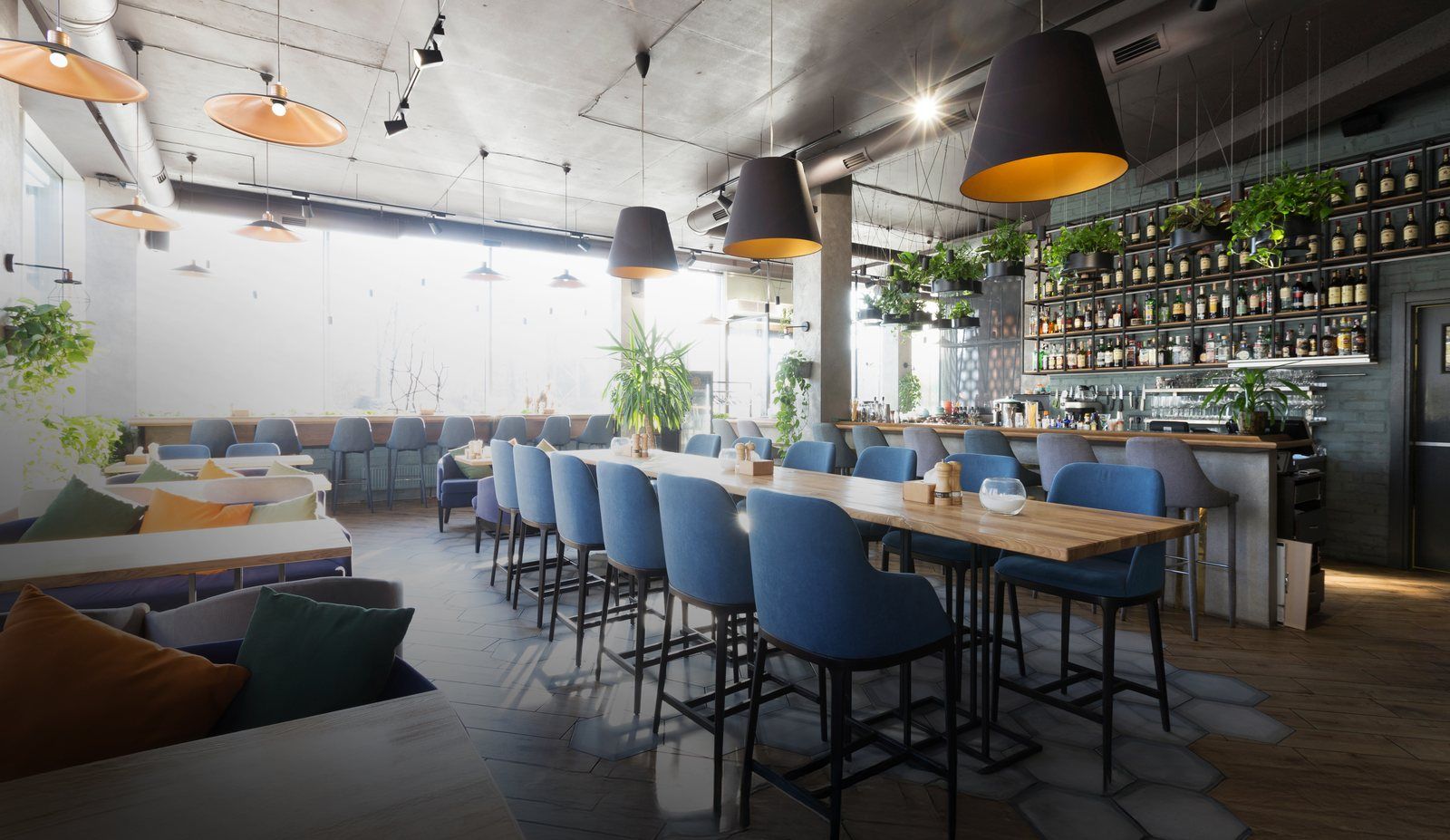
What matters for your venue
An atmosphere for each zone
Dining room, mezzanine, bar and terrace have different acoustics and different needs: sound is set zone by zone.
A comfortable level
Pleasant at the table, without tiring the staff who spend the day there.
Discreet, durable equipment
Built-in speakers, weather-protected outdoor equipment, a clean installation: the décor is preserved.
Possible solutions
In a café or restaurant, sound is part of the service: it fades into the background at the table and carries when the venue comes alive. The set-ups below cover the most common cases; we combine them to suit your venue.
CHOOSE YOUR USE CASE · 5
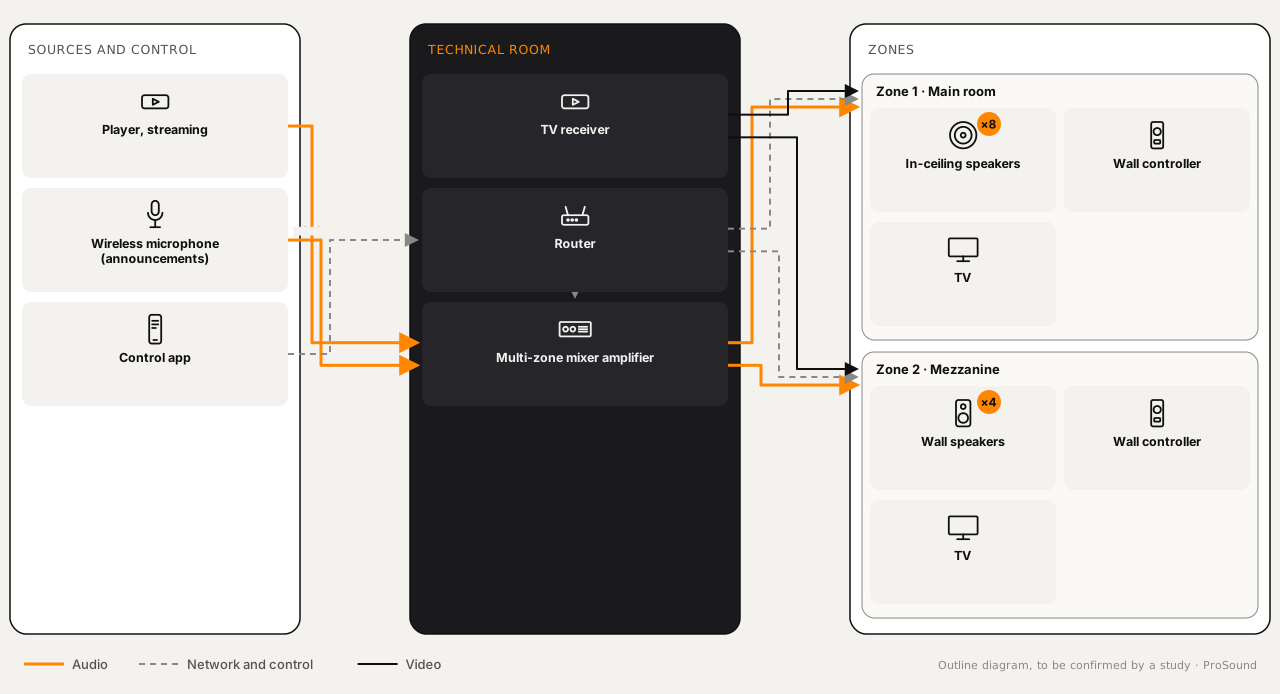
Mezzanine and multi-zone rooms
For which venueVenues on several levels or in several areas: main room, mezzanine, bar.
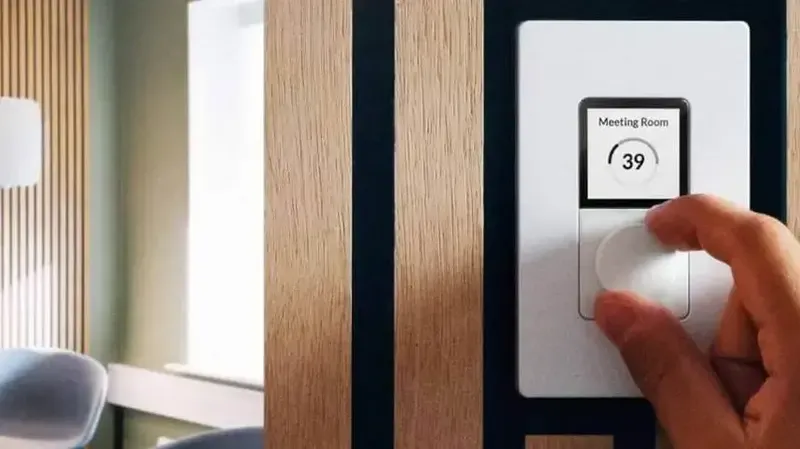
Every area of an establishment has its own atmosphere. A multi-zone system lets you set the sound of the dining room, the mezzanine or the bar independently, with control suited to each space.
- Number of zones and the size of each
- Speaker positions given the ceiling and furniture
- Where to adjust the sound: bar, till or technical room
Equipment needed
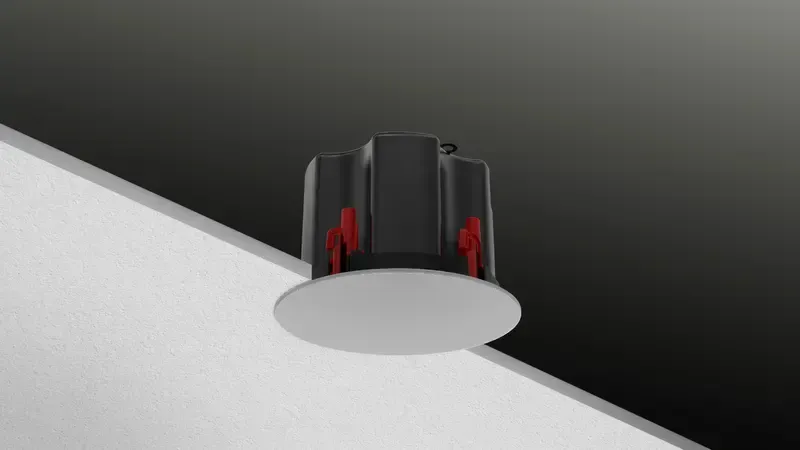 In-ceiling speakersSee the category : In-ceiling speakers
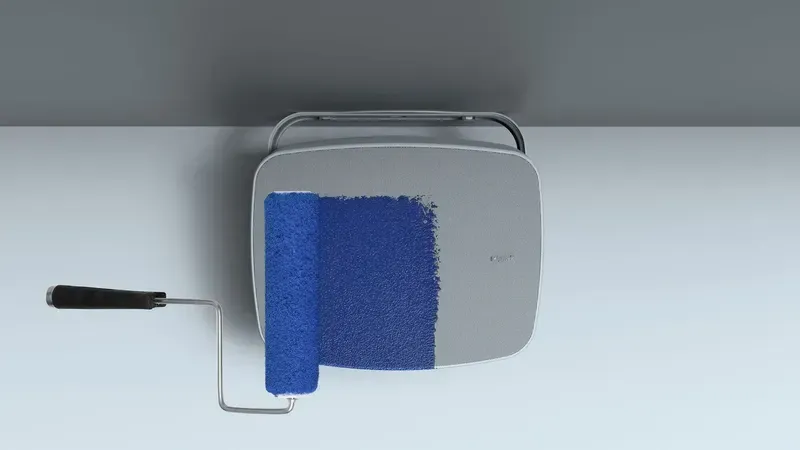 Wall speakersSee the category : Wall speakers
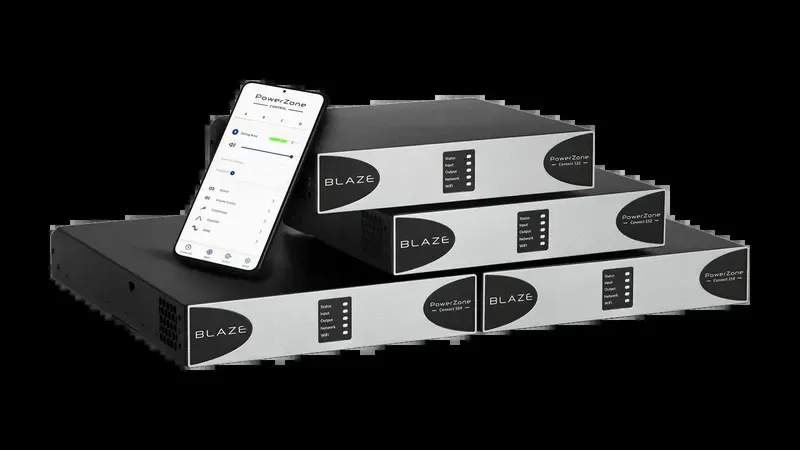 Multi-zone mixer-amplifierSee the category : Amplification and processing
Terraces and outdoor areas
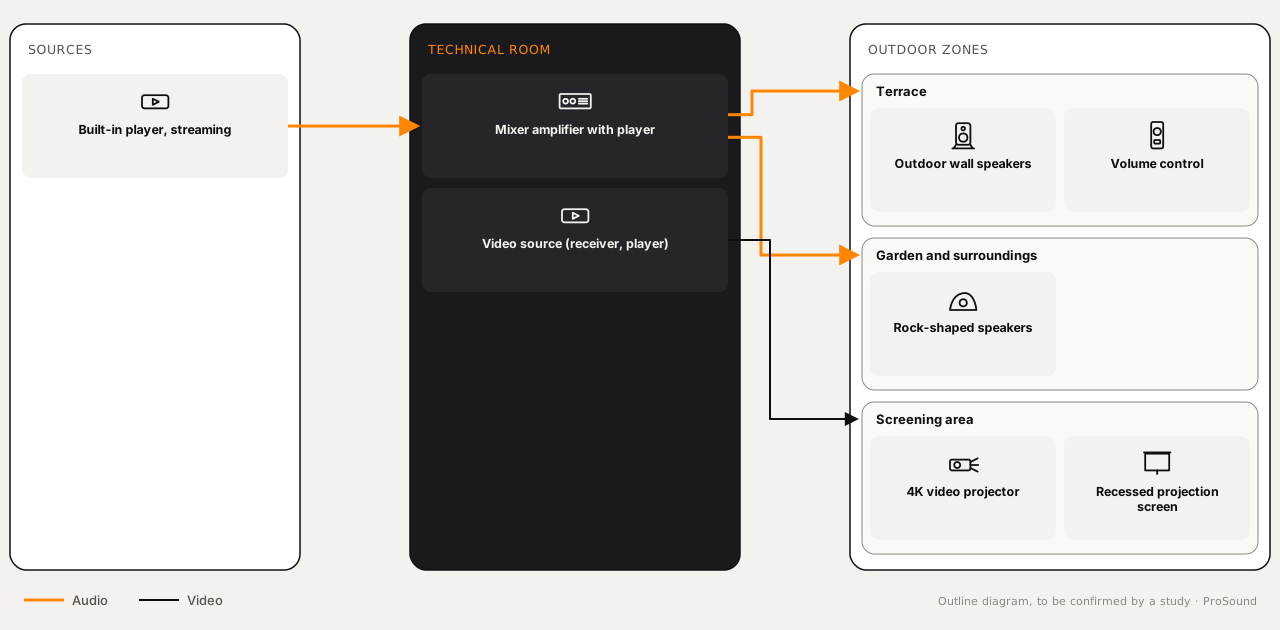
For which venueTerraces, gardens and open-air areas, with or without video (matches, screenings).
Outdoor sound has to stay clear whatever the conditions.
- Exposure to rain, sun and humidity
- Neighbours and the sound level to respect
- Routing cables outdoors
Equipment needed
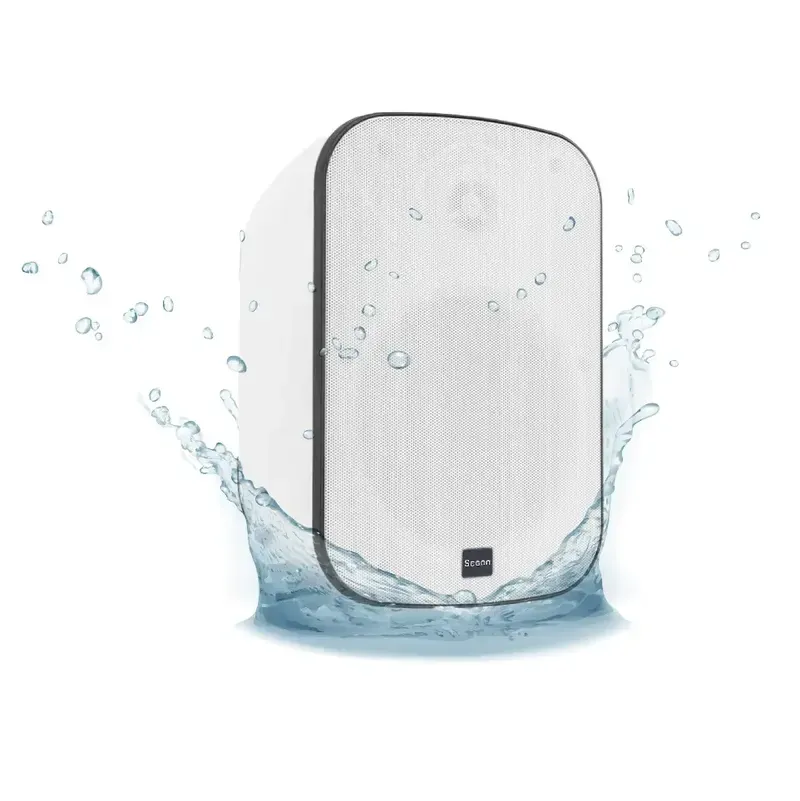 Outdoor wall speakersSee the category : Outdoor speakers
 Rock-shaped outdoor speakersSee the category : Outdoor speakers
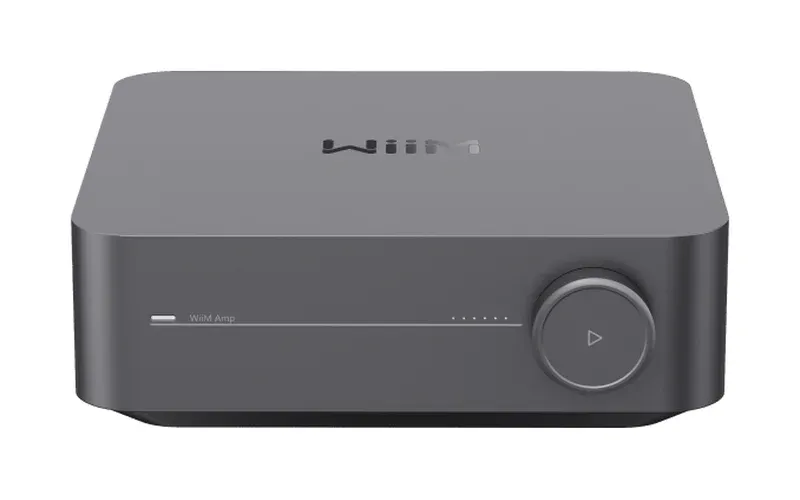 Mixer-amplifier with playerSee the category : Low-impedance amplifiers
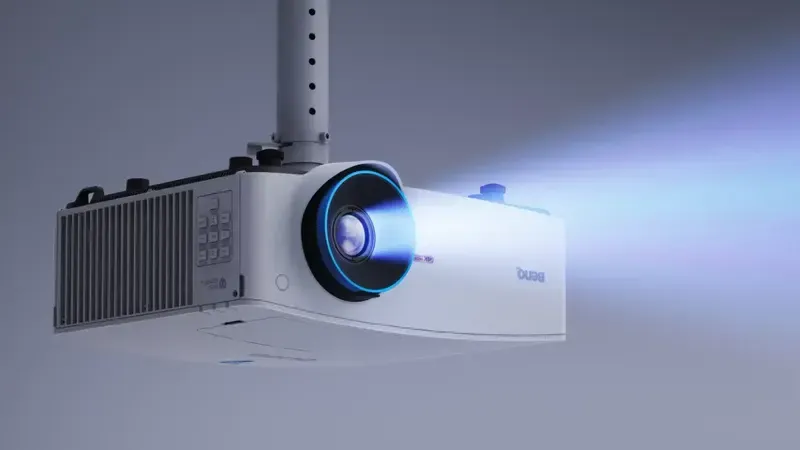 4K video projectorSee the category : Projection
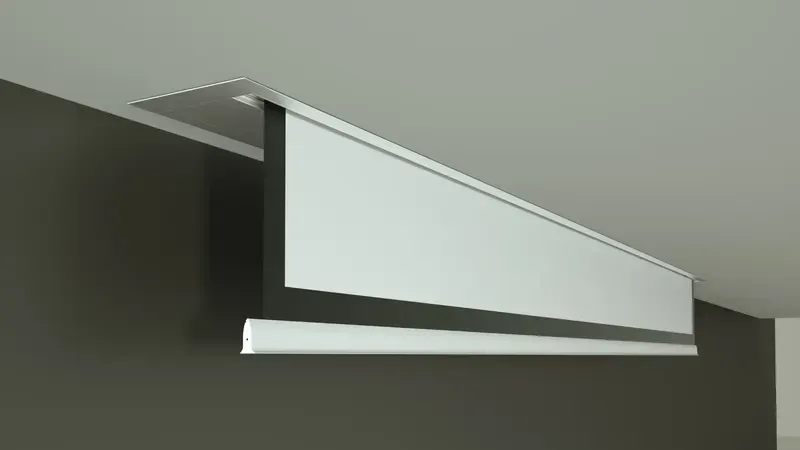 Recessed projection screenSee the category : Projection
Cafés, bars and restaurants with live entertainment
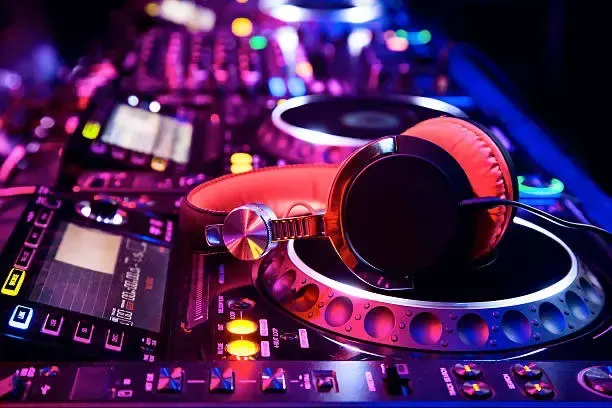
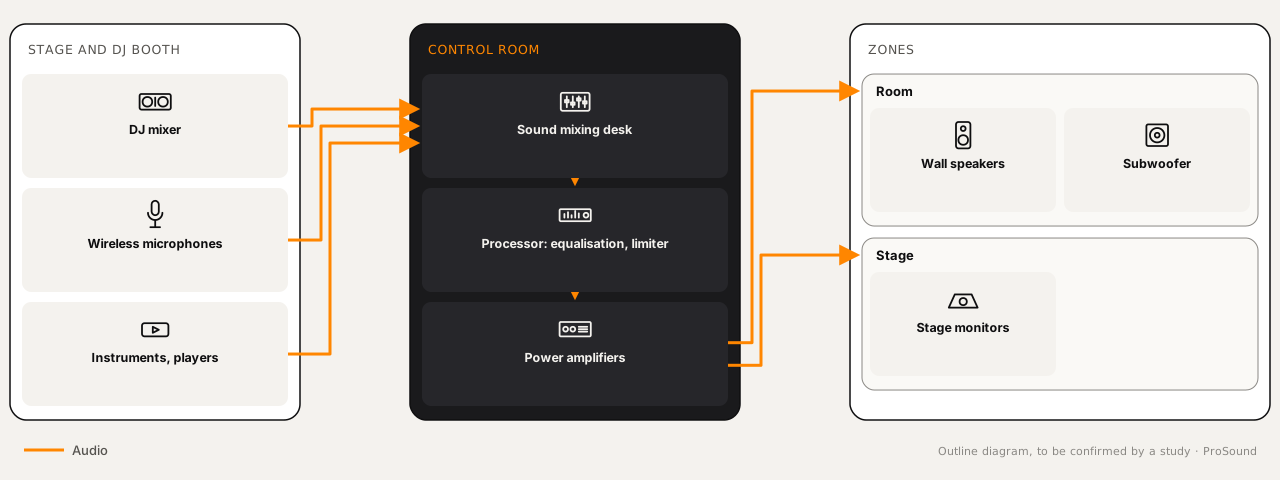
For which venuePubs, restaurant-bars and venues that host a DJ, a band or live entertainment.
For pubs and restaurant-bars that host live entertainment.
- Type of entertainment: DJ, vocals, band
- Power suited to the room
- Cabling and storage of the entertainment equipment
Equipment needed
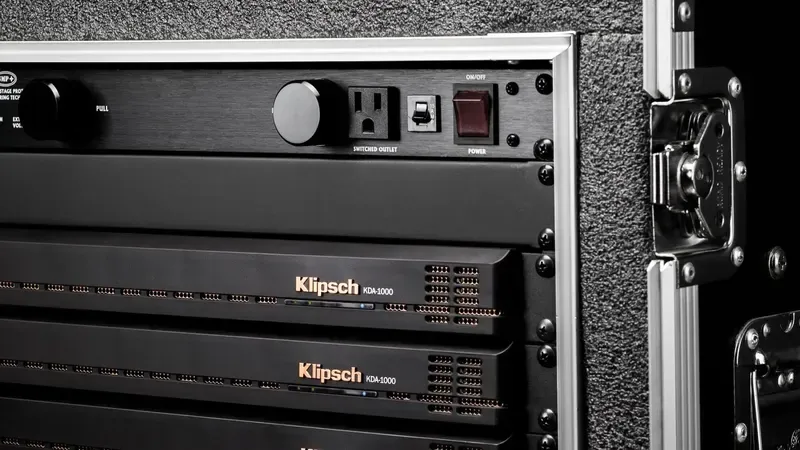 Power amplifierSee the category : Low-impedance amplifiers
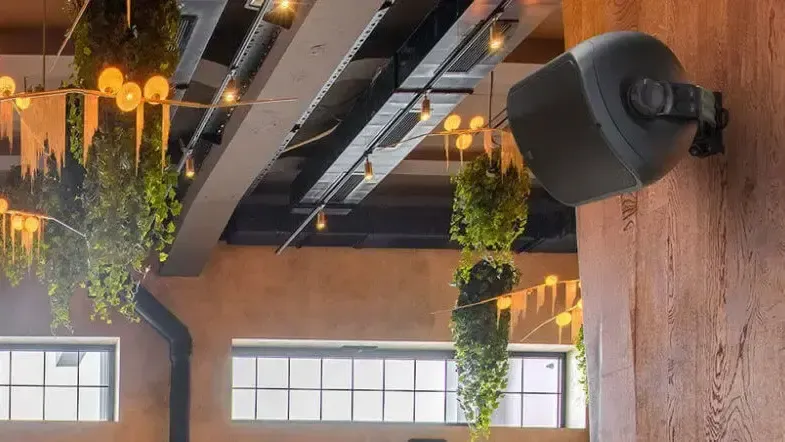 Wall speakersSee the category : Wall speakers
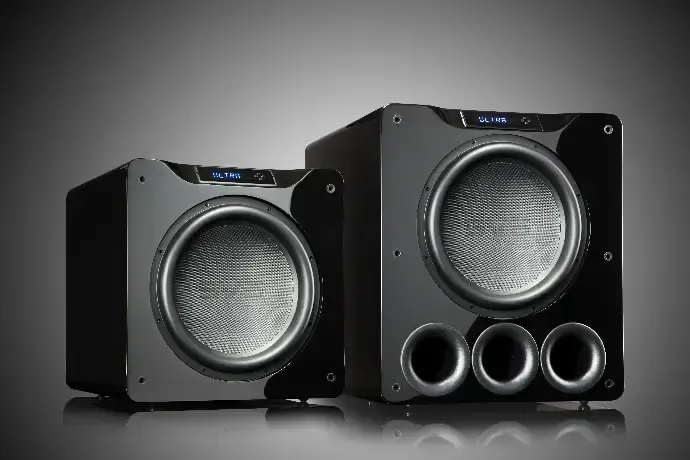 SubwooferSee the category : Subwoofers
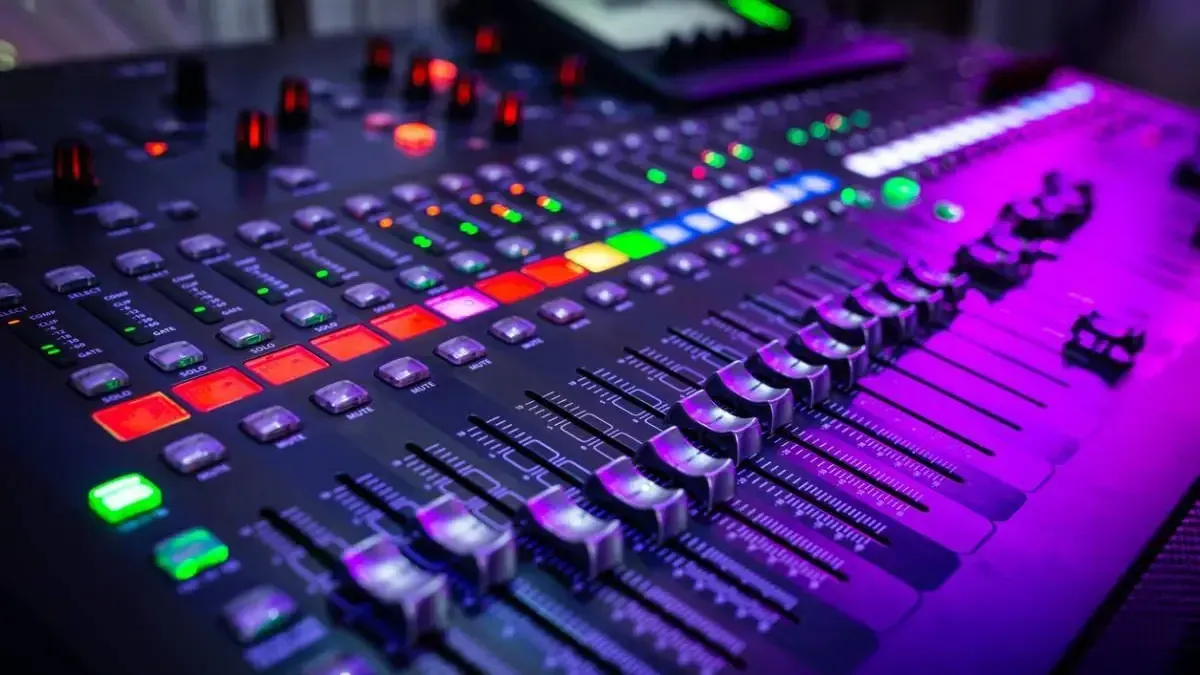
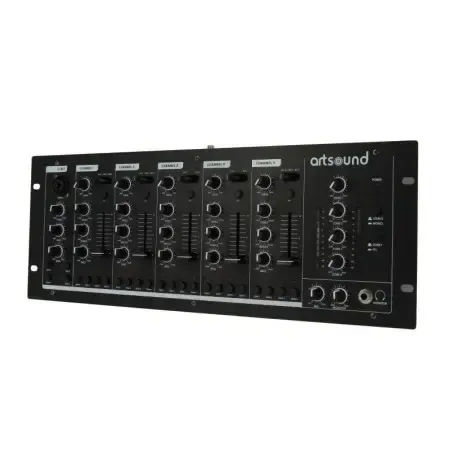 PA mixing deskSee the category : Processing and DSP
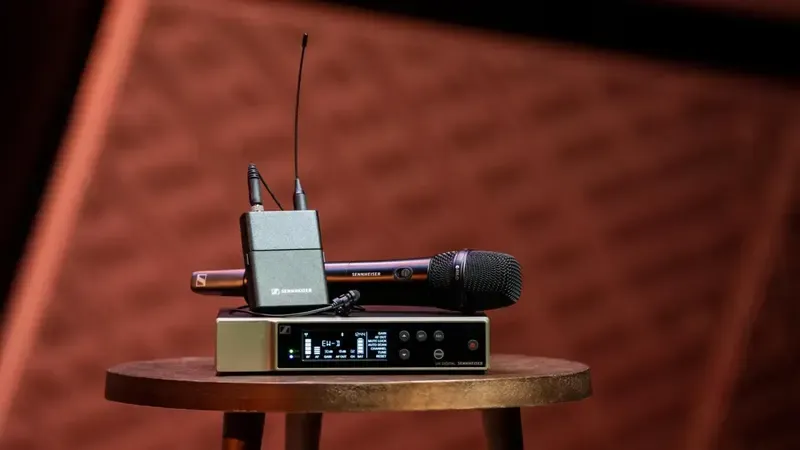 Wireless microphonesSee the category : Microphones and conferencing
Mobile sound for temporary events
For which venueTemporary events or venues without a fixed installation: parties, buffets, one-off entertainment.
Flexible equipment for your mobile events.
- Quick transport and set-up
- Mains power available on site
- Number of guests and location, indoor or outdoor
Equipment needed
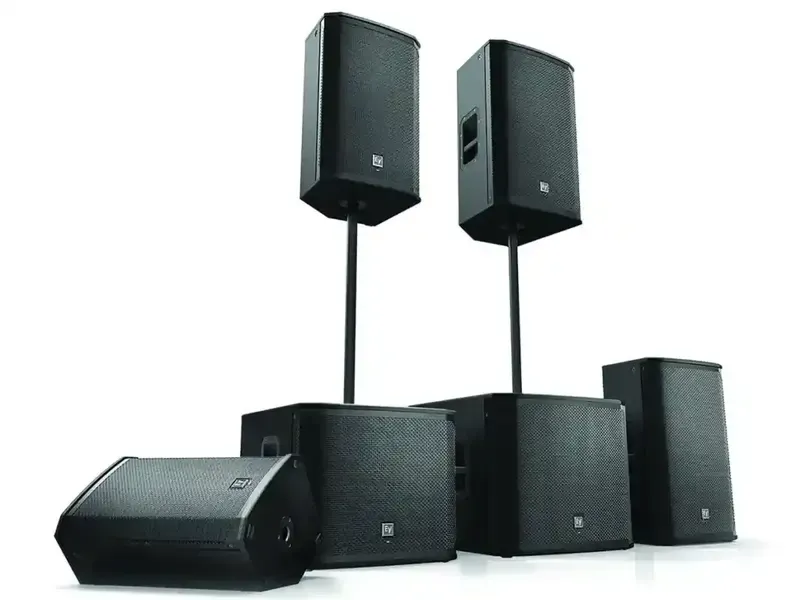 Powered speakerSee the category : Powered speakers
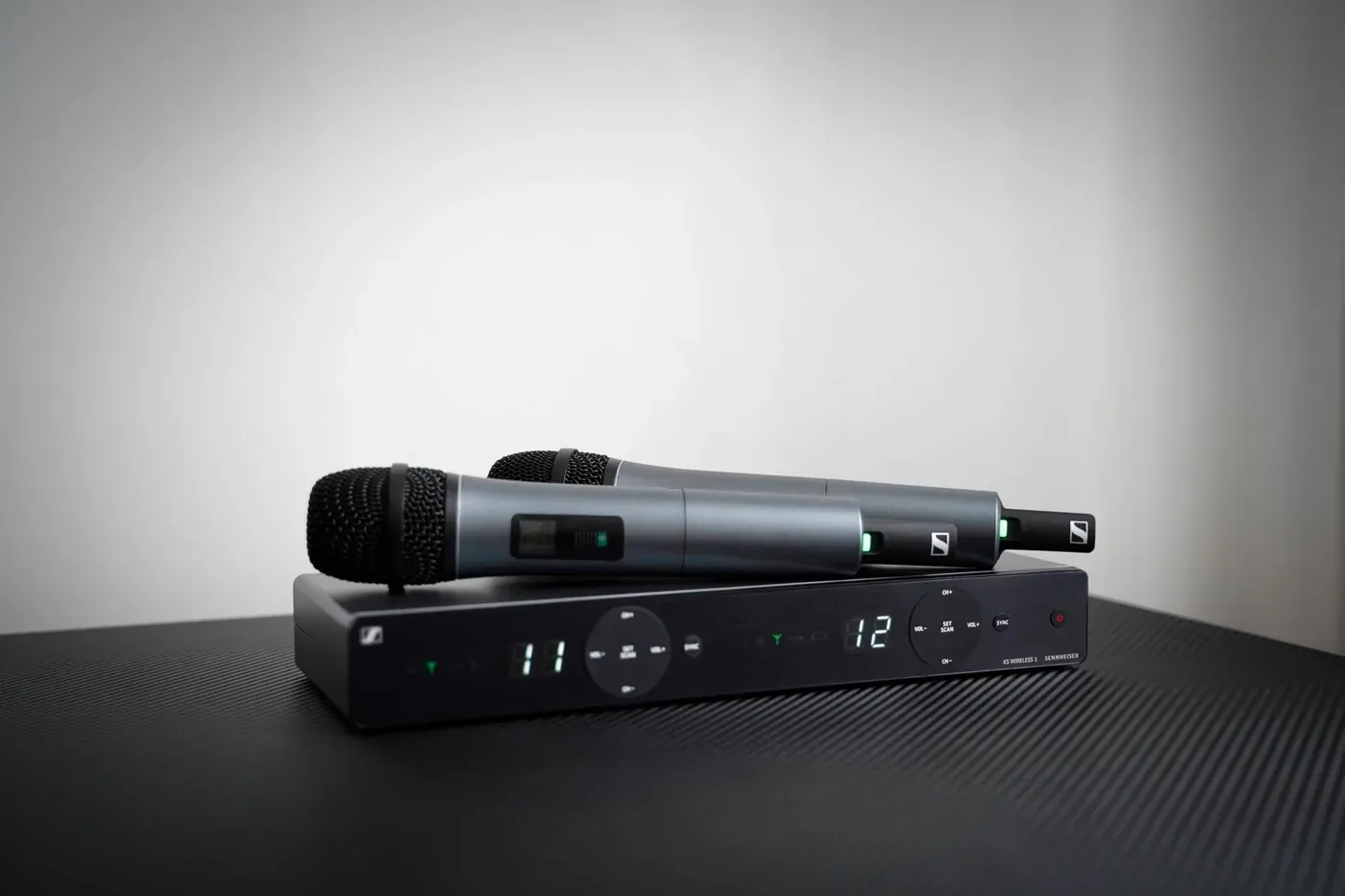 Wireless microphoneSee the category : Microphones and conferencing


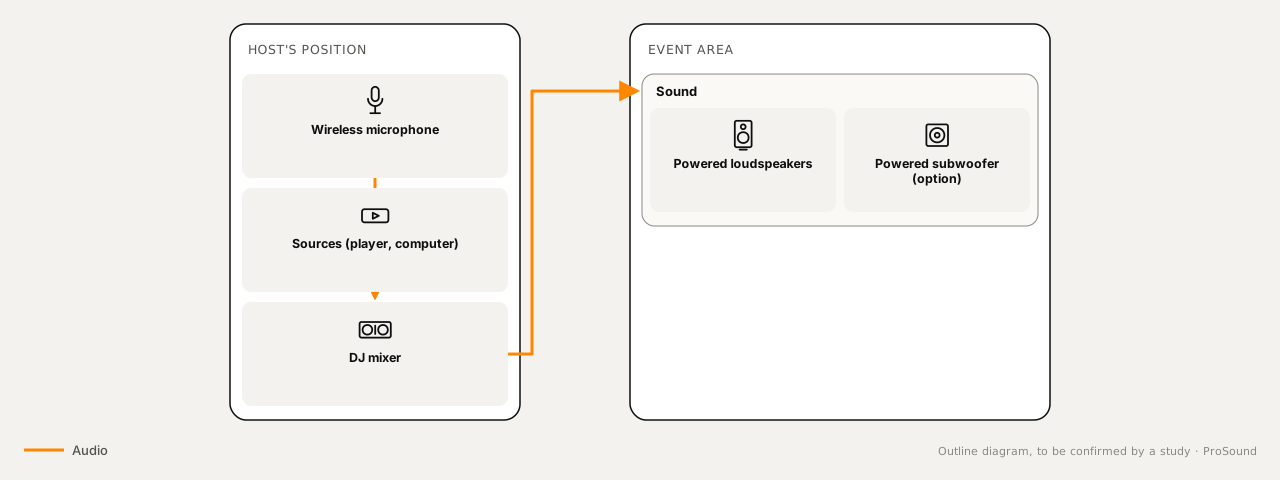
Ambient and entertainment lighting
For which venueCafés, bars and restaurants that want the lighting to change between service and entertainment.
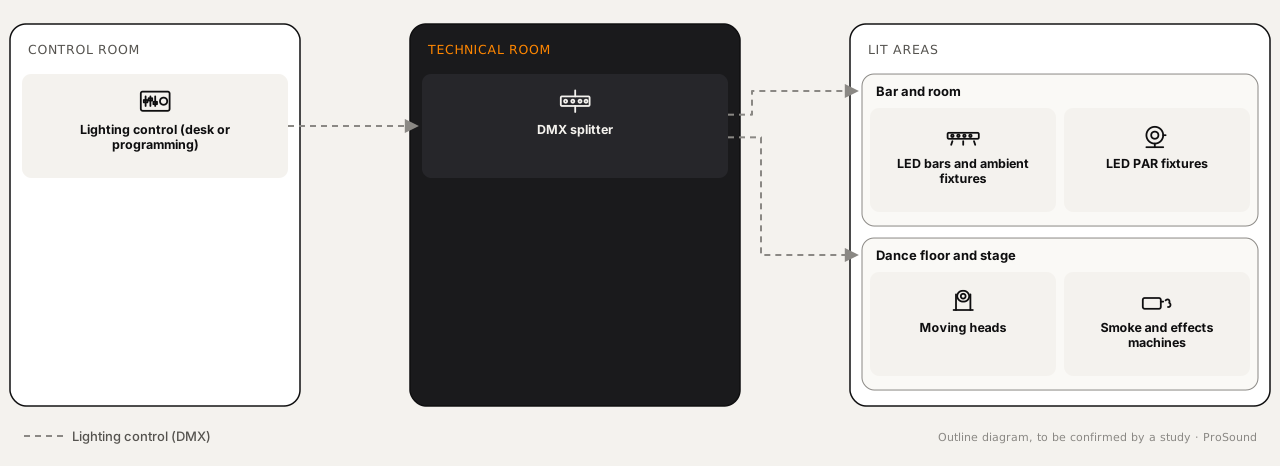
Light goes with sound: discreet during service, livelier for entertainment. A single control system can set both moods.
- Moods to plan for: service, evening, event
- Ceiling height and mounting points
- Simple control for staff
Equipment needed
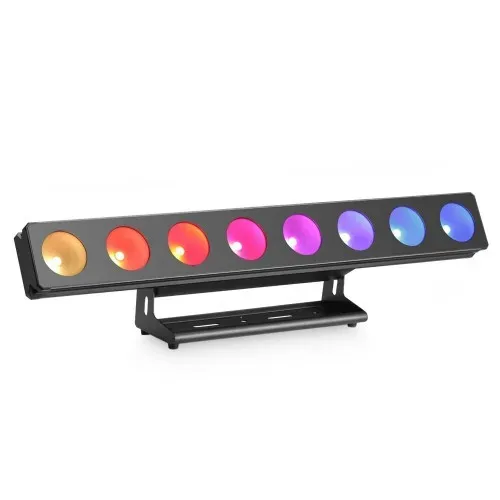 LED bars and ambient fixturesto light the venue
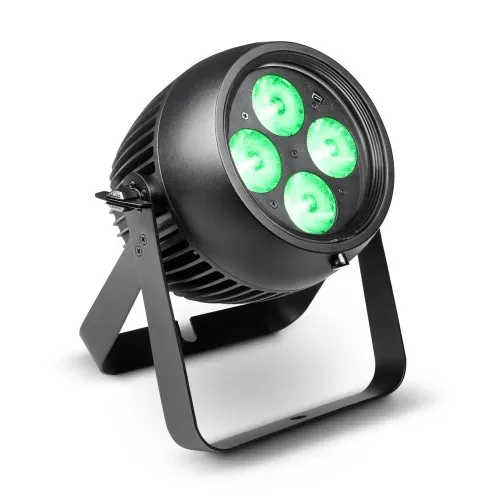 LED PAR fixturesfor colour and evening moods
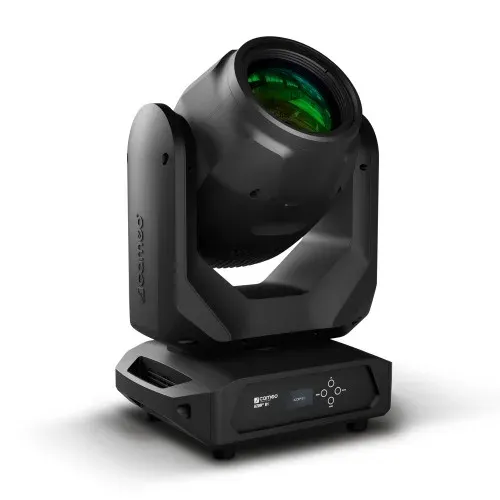 Moving lightsto animate the floor or stage
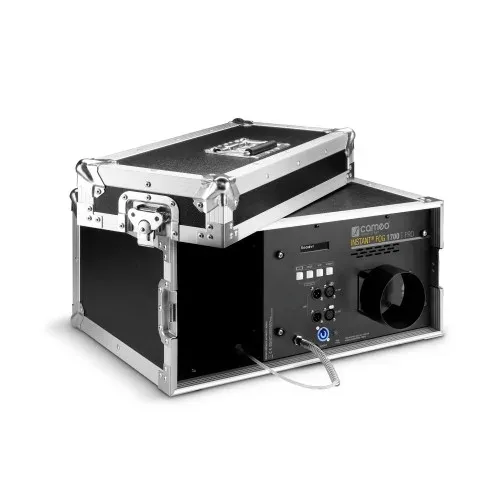 Smoke and effects machinesto give the light volume
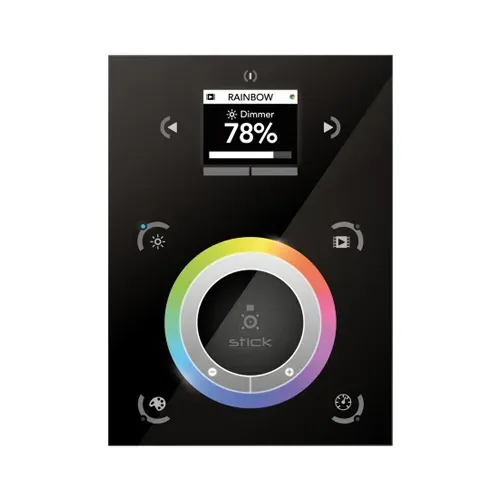 Lighting controlto set the moods
ProSound solutions
Tailor-made and scalable
Each system is sized for the venue: its size, zones and uses. It can grow with it.
Recent equipment
Recent equipment. Where the venue requires it, giving emergency messages priority over public address (PA) and video (IPTV) is studied and validated by our technical team.
Centralised management
Sound zones, video distribution and announcements can be controlled from a single interface; remote access depends on the equipment chosen.
Need advice?
Describe your project: a technician will call you back to schedule a visit or a demonstration at the showroom.