
Audiovisual solutions for auditoriums and conference rooms
Sound, video projection and conference management: tailor-made systems for presentations, conferences and events.
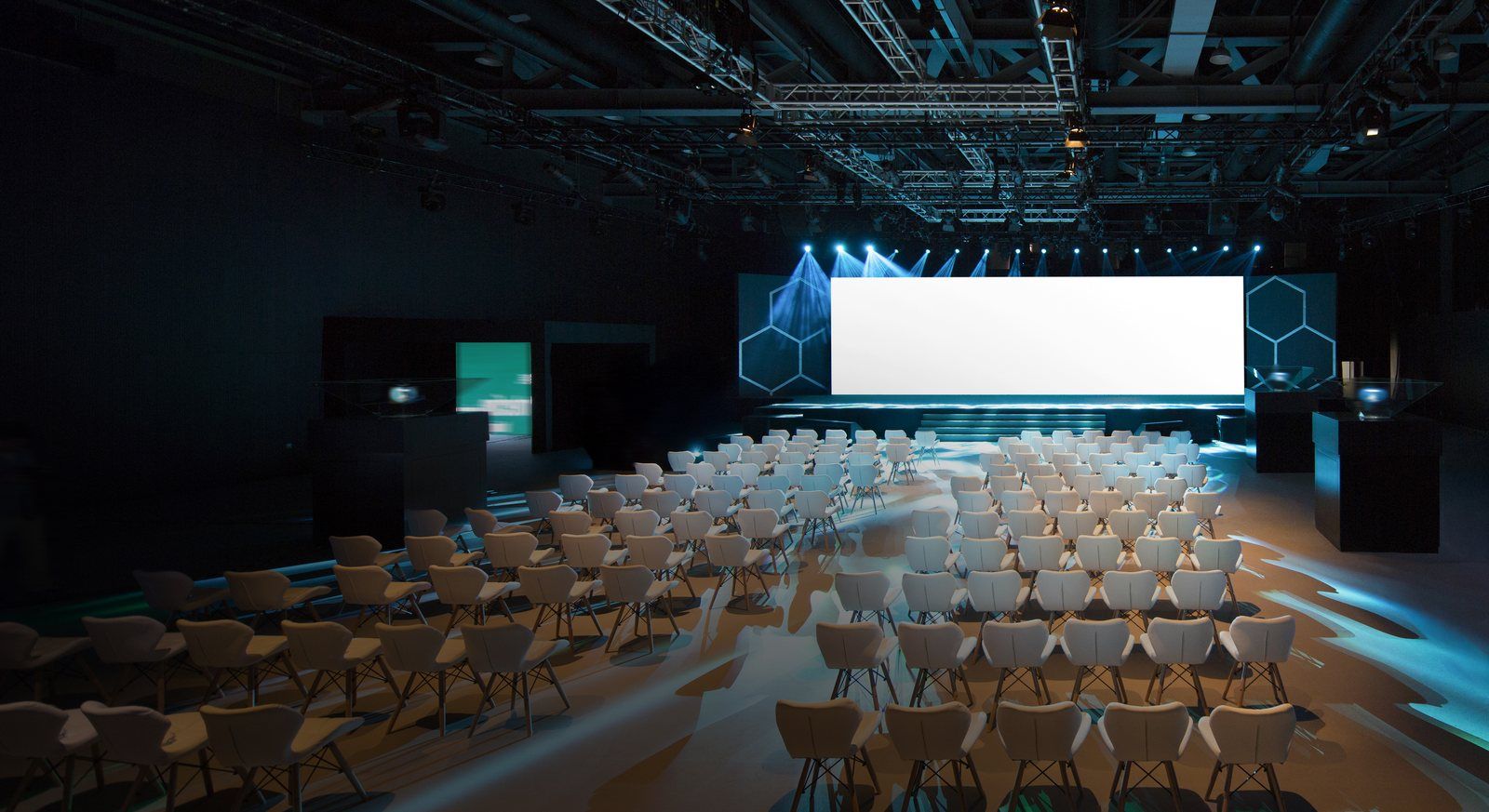
What matters for your venue
Hearing the same way everywhere
From the first row to the last, the voice stays clear and the level even.
Seeing without strain
An image legible from every seat, whatever the lighting in the room.
Speakers at ease
Suitable microphones, organised speaking turns, remote broadcast where needed.
Possible solutions
In an auditorium, three systems work together: sound so that everyone hears, image so that everyone sees, and management of who speaks. Depending on the event, one of them or all three are used.
CHOOSE YOUR USE CASE · 4
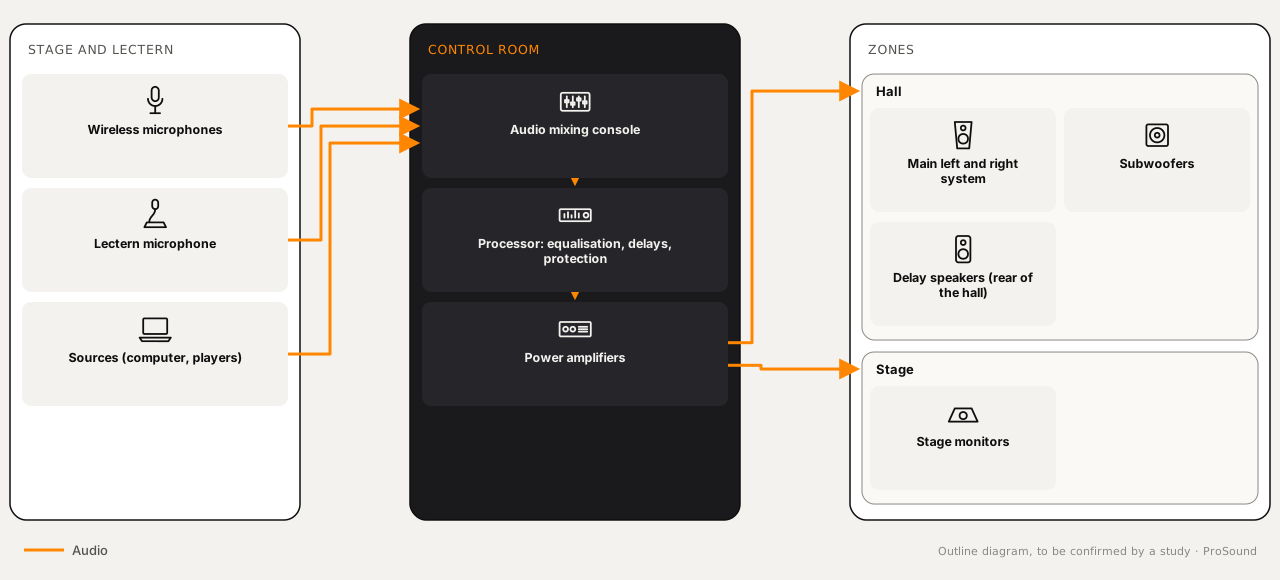
Sound and audio distribution
For which venueAuditoriums, lecture theatres and conference rooms of all sizes.
In an auditorium or conference room, every participant must hear clearly, including in large spaces. Distribution must be even and clear, whether for presentations, speeches or music.
- Room volume and number of seats
- Types of speaker: lectern, round table, debate
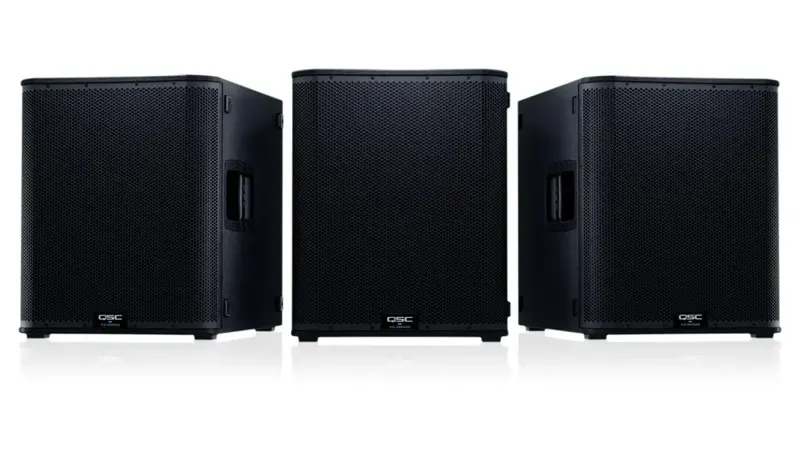
- Possible music needs, hence subwoofers
Equipment needed
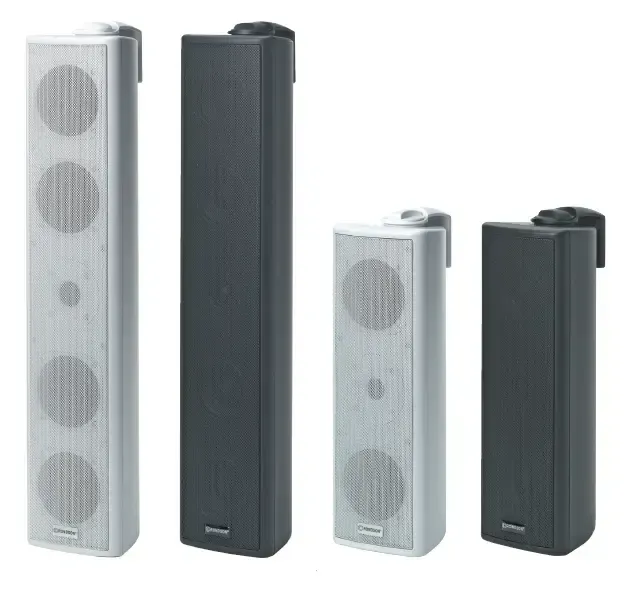 PA speakerswall-mounted or sized for the auditorium or roomSee the category : Pendant and column speakers
 Wireless and wired microphonesfor speakers and presentations: handheld, lavalier or tableSee the category : Microphones and conferencing
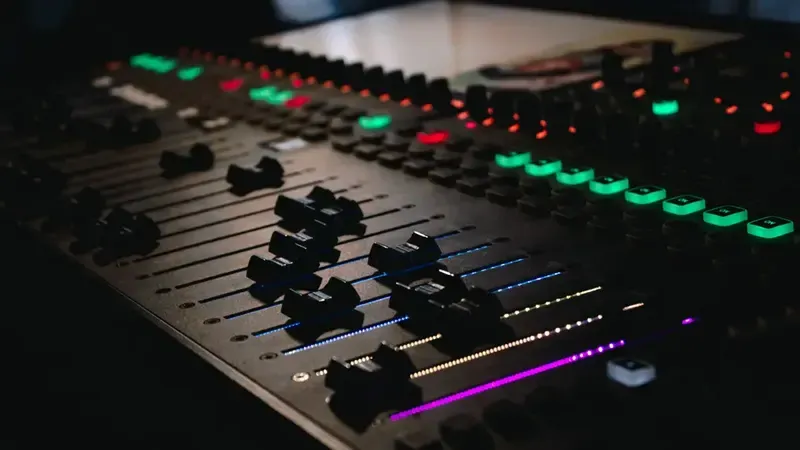 Audio mixing consoleto control volume, equalization and effectsSee the category : Processing and DSP
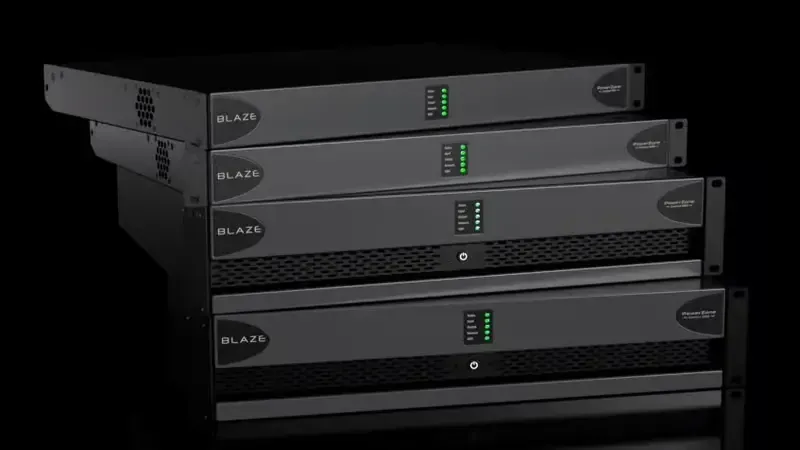 Power amplifiersto amplify the signal and drive the speakersSee the category : Low-impedance amplifiers

Video projection and screens
For which venueRooms where presentations, videos and documents are shown to a large audience.
Presentations, videos and documents projected in high visual quality, essential for conferences and events.
- Distance of the back row and screen size
- Ambient light and projector position
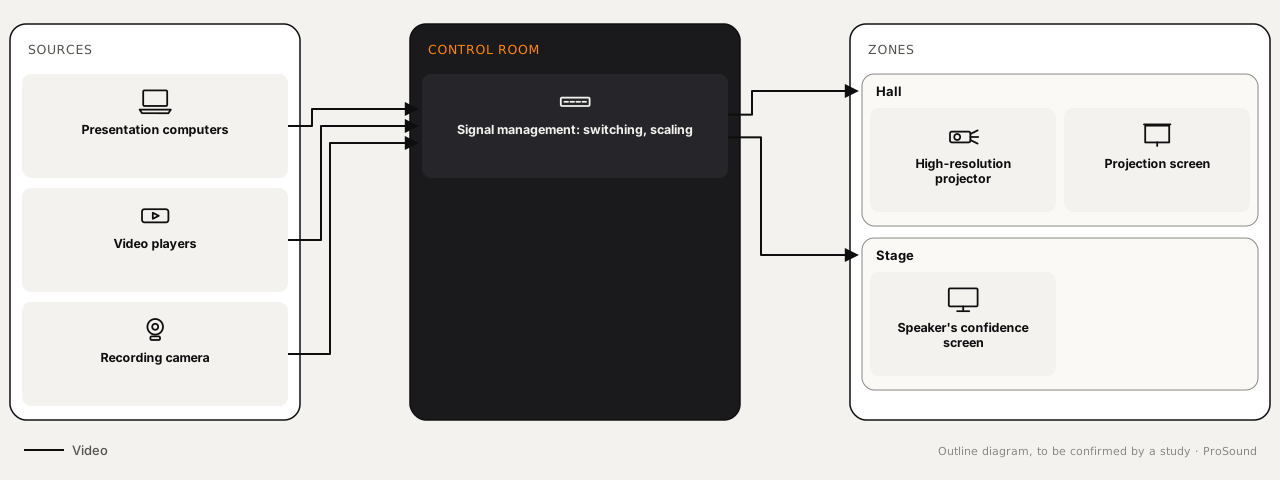
- Sources to connect: computers, cameras, players
Equipment needed
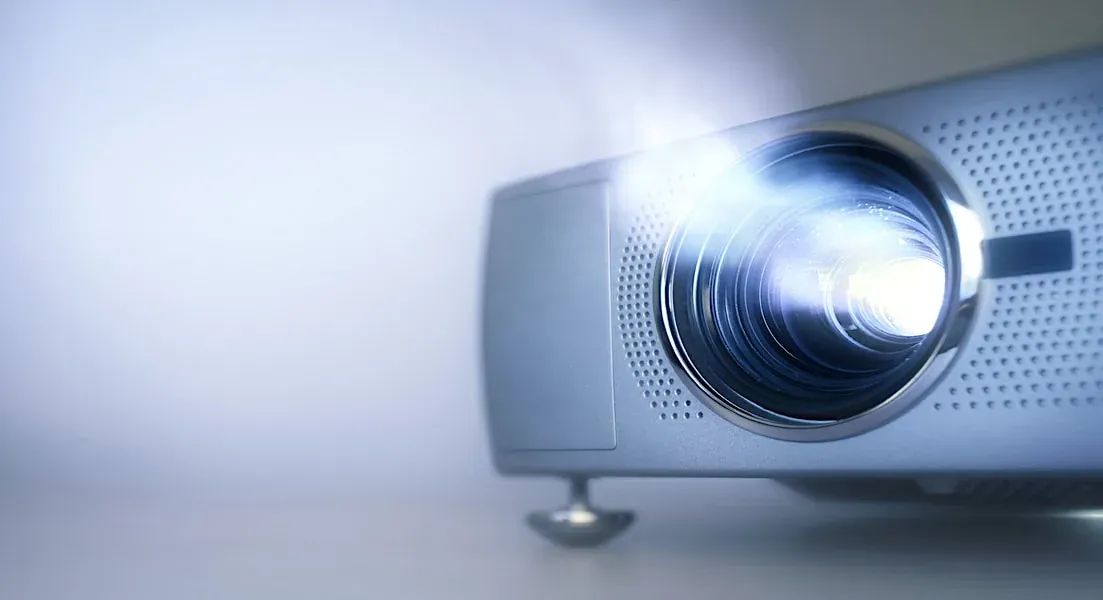 High-resolution projectors (4K or Full HD)for a sharp image, even in large roomsSee the category : Projection
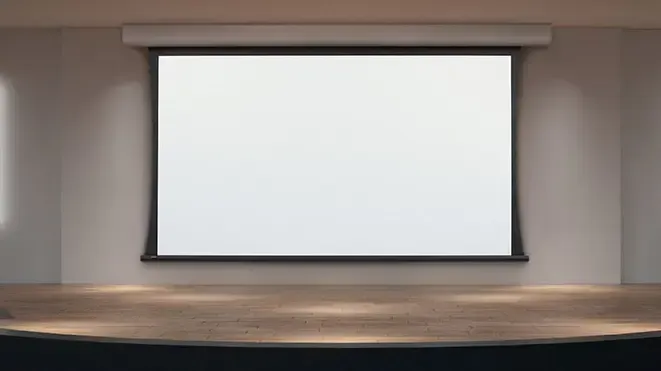 Projection screenslarge, matched to the room dimensions, fixed or motorisedSee the category : Projection
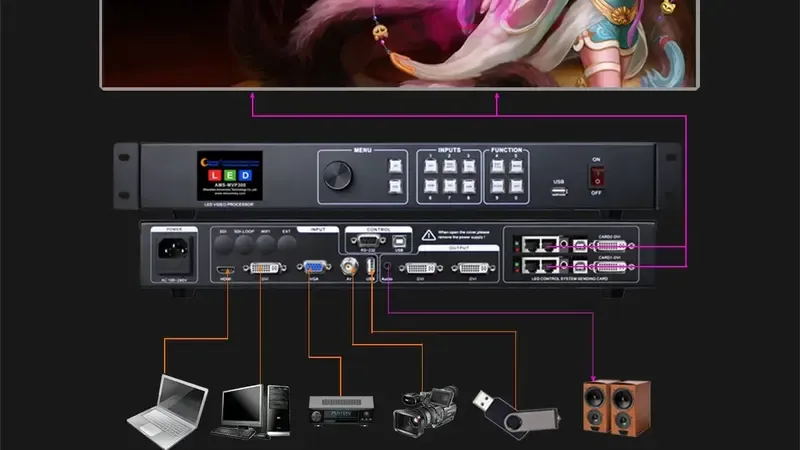 Video signal managementto connect several sources (computers, video players, cameras) to a single projectorSee the category : Accessories and mounts
- Video players or dedicated PCsto play content or presentations

Conference management and streaming
For which venueConferences, assemblies and seminars with many speakers and a remote audience.
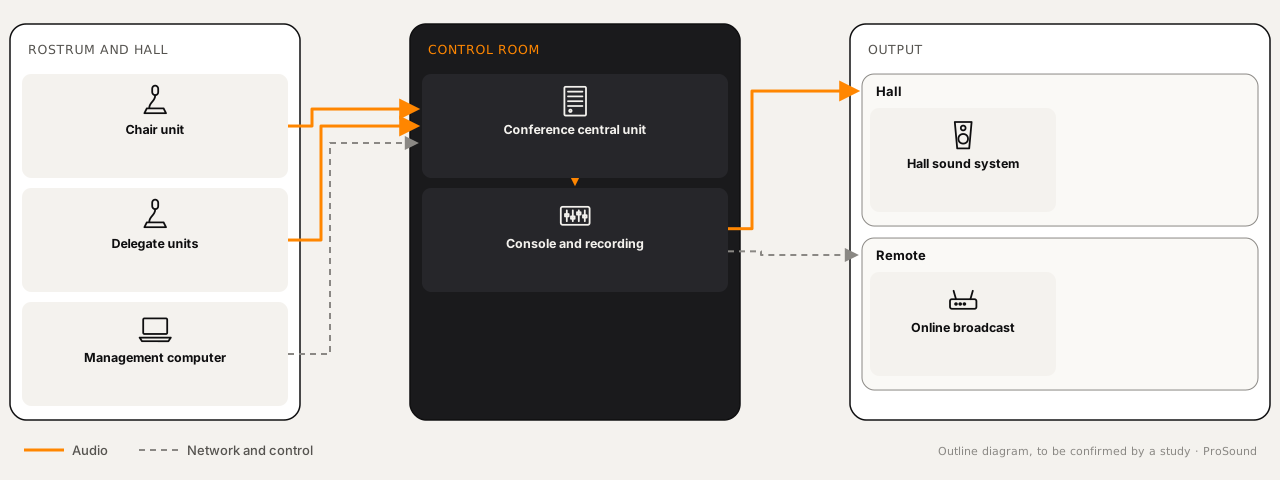
This system organises participants' contributions in the room and allows the event to be streamed to remote participants.
- Number of participants to equip
- Speaking rights and recording
- Streaming or video conference broadcast
Equipment needed
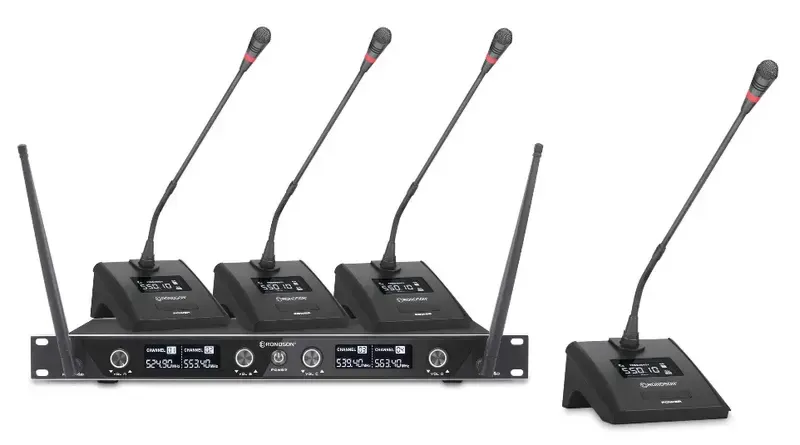 Conference microphonesbuilt-in, with a request-to-speak button for each participantSee the category : Microphones and conferencing
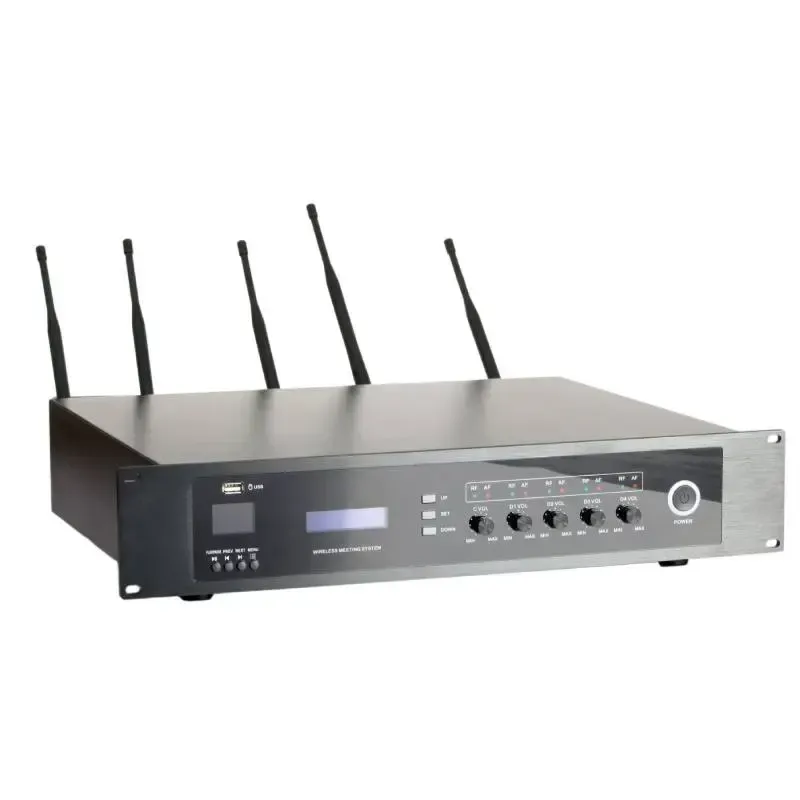 Central conference unitsto control participants' microphones, manage speaking rights and record contributionsSee the category : Microphones and conferencing
- Conference management computerto manage cameras, streaming and recording
Stage lighting
For which venueAuditoriums and conference rooms with a stage or podium to light.
The speaker must be seen: well-directed stage lighting enhances the podium without dazzling the audience or interfering with projection.
- Position of speakers and podium
- Compatibility with projection and cameras
- Control by scene: welcome, conference, projection
Equipment needed
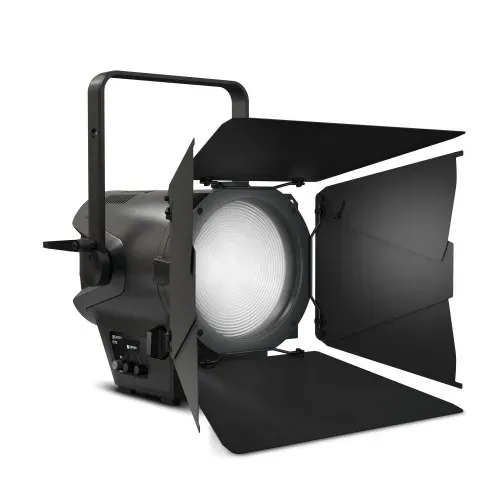 Theatre fixturesto light the podium and speakers
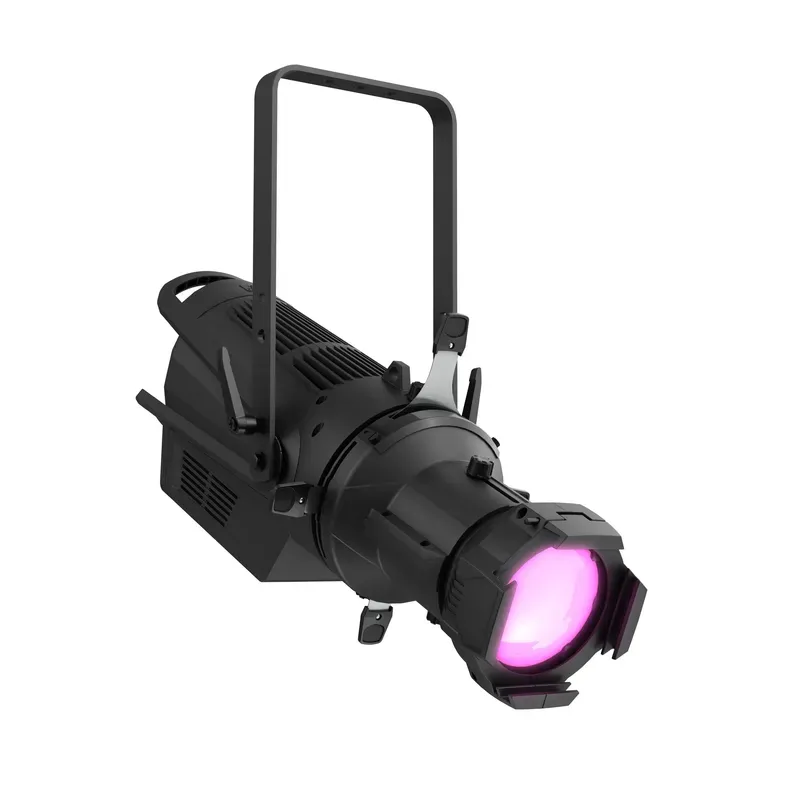 Profile spotsto shape the light without spilling onto the screen
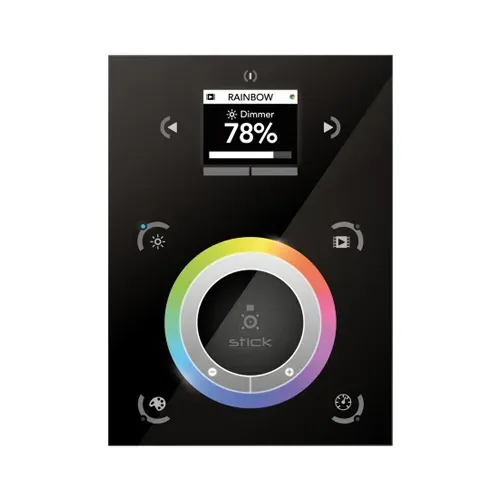 Lighting controlto store lighting scenes
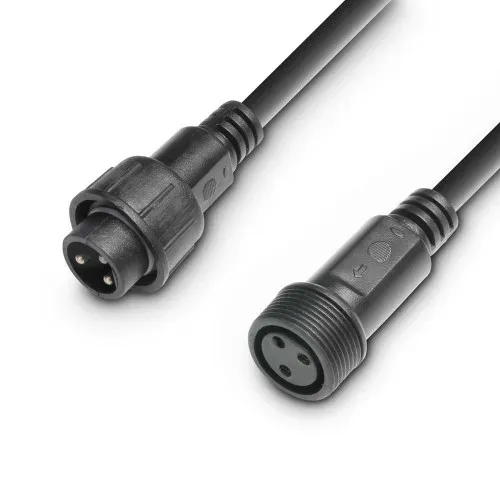 Lighting accessoriescables and accessories
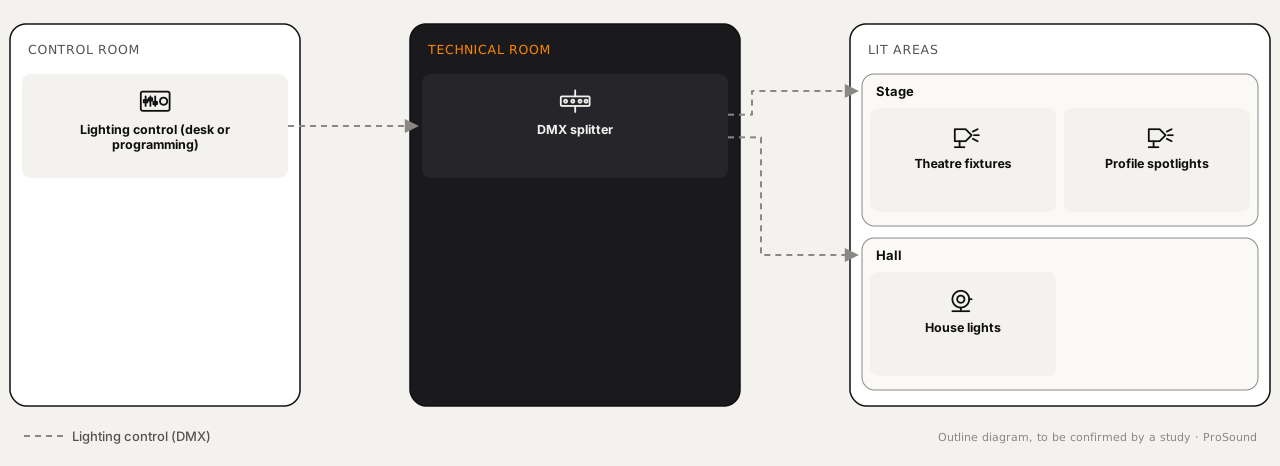
ProSound solutions
Tailor-made and scalable
Each system is sized for the venue: its size, zones and uses. It can grow with it.
Recent equipment
Recent equipment. Where the venue requires it, giving emergency messages priority over public address (PA) and video (IPTV) is studied and validated by our technical team.
Centralised management
Sound zones, video distribution and announcements can be controlled from a single interface; remote access depends on the equipment chosen.
Need advice?
Describe your project: a technician will call you back to schedule a visit or a demonstration at the showroom.